Screenshot → reminder

Turn screenshots into reminders

Screenshot a text, an email, an appointment, or a to-do — Squirrel Brain reads it and turns it into a reminder, alarm, or calendar event so it never gets buried in your camera roll.

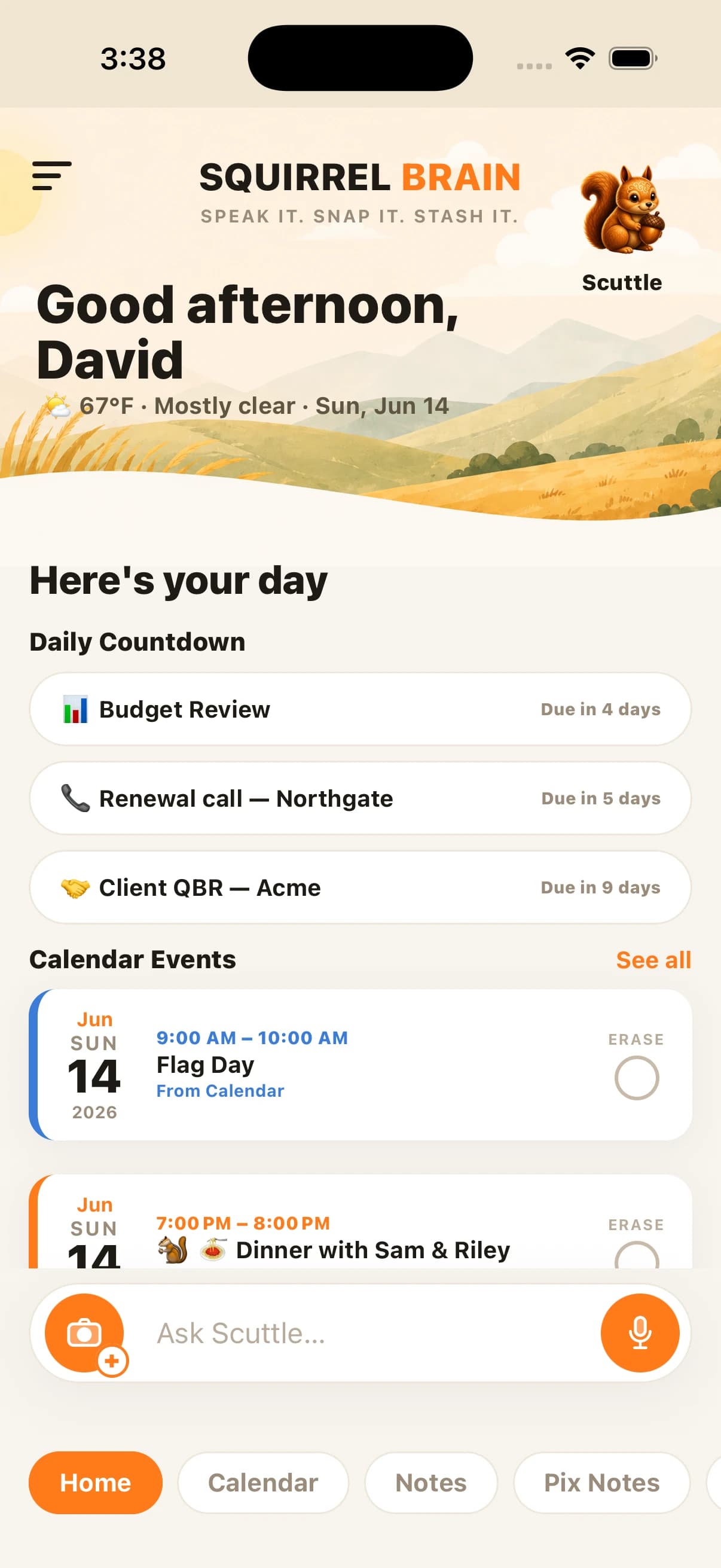
Squirrel Brain home screen counting down to an event captured from a screenshot

The screenshot graveyard

You screenshot it so you won't forget — then you forget

We all do it. A confirmation text, a flight time, an appointment, a thing a coworker asked for — you screenshot it instead of writing it down. Then it sinks into 4,000 other photos and you never see it again. Squirrel Brain fixes the part where the screenshot was supposed to remind you.

How it works

Screenshot it, and it becomes something that nudges you

Send a screenshot to Squirrel Brain and the AI reads the text in the image — the date, the time, the task, the name. It turns that into a reminder, a calendar event, or a loud alarm, and it can start a live countdown on your home screen so the thing stays in front of you.

  • Reads dates and times out of the image automatically
  • Becomes a reminder, calendar event, or alarm — not just a saved picture
  • You review and confirm before anything is set

Locked-down inboxes

Perfect for messages you can't act on directly

Company Outlook you can't sync? A text from a number you'll lose? A confirmation in an app with no reminder feature? Screenshot it. Squirrel Brain becomes the layer that turns any message — from anywhere — into a reminder that actually reaches you.

One app for everything you don’t want to forget

Screenshot → reminder is one of the things Squirrel Brain does. The Squirrel Brain AI reminder app turns voice notes, photos, screenshots, texts, and emails into reminders, alarms, notes, and calendar events — then makes sure you follow through.

Join the launch list

Common questions

Questions, answered

Can Squirrel Brain turn screenshots into reminders?

Yes. Send Squirrel Brain a screenshot — of a text, an email, an appointment, or a to-do — and its AI reads the text in the image and turns it into a reminder, alarm, or calendar event. You review and confirm before anything is scheduled.

Does it read the date and time from the screenshot?

Yes. Squirrel Brain pulls dates and times out of the image where they're present, so a screenshotted appointment can become a calendar event or alarm without you retyping it. If something is ambiguous, it asks before setting it.

What kinds of screenshots work best?

Texts, emails, calendar invites, confirmations, receipts, and to-do lists all work well — anything with readable text. It's especially handy for messages in locked-down apps or company inboxes you can't add reminders to directly.

Does it work on iPhone?

Yes — Squirrel Brain is an iPhone app. It's pre-launch, so join the launch list to be first into the beta.

Stop trying to remember it all

Join the launch list — we’ll email you the moment Squirrel Brain is ready.

Join the launch list