
Outlook → reminder

Never miss an Outlook event again

When company policy locks down your calendar app and the Outlook reminder fires while your phone is face-down, you miss it. Screenshot the event instead — Squirrel Brain turns it into a reminder you'll actually catch.

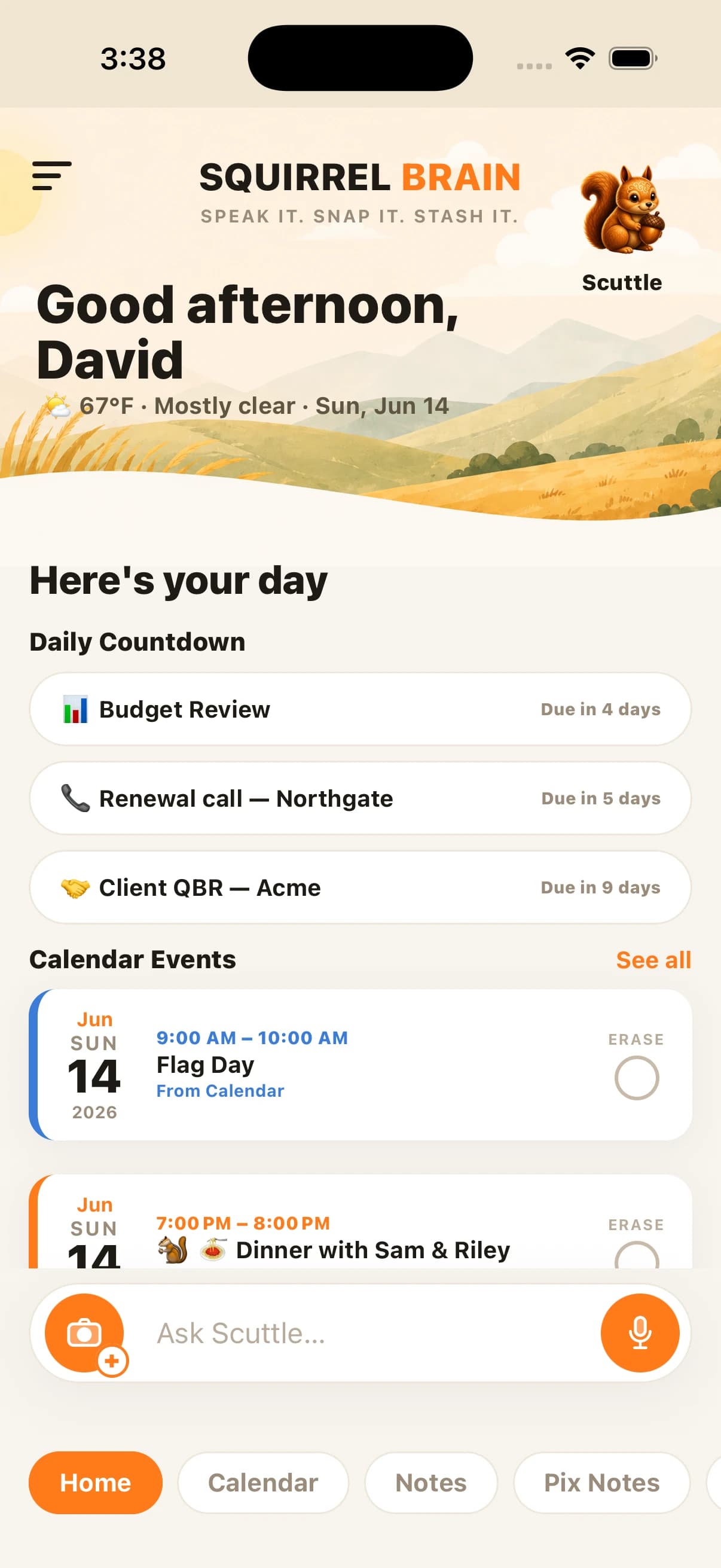
Squirrel Brain home screen counting down to a Budget Review meeting captured from an Outlook screenshot

The locked-down calendar problem

Your Outlook reminder fired — and you never saw it

Plenty of companies don't let you sync Outlook to your personal phone, or the reminder is just one more quiet banner you miss. So you find out about the 2 PM meeting at 2:05. The calendar isn't the problem — the reminder being too quiet and too locked-down is.

Screenshot it

Screenshot the event, and your squirrel takes it from there

Take a screenshot of the Outlook event — the title, the time, the room. Squirrel Brain reads it, creates the reminder, and starts a live countdown on your home screen so the meeting stays in front of you. No syncing, no IT ticket, no policy fight.

  • Reads the title, date, time, and location from the screenshot
  • Starts a live countdown to your next thing on the home screen
  • Can ring your phone with a phone-call-style reminder before it starts

Hard to miss

A reminder loud enough to actually reach you

For the meeting you can't be late to, Squirrel Brain can escalate from a banner to a loud alarm or a phone-call-style reminder that rings your phone. The quiet Outlook ping becomes something you won't sleep through or swipe away.

One app for everything you don’t want to forget

Outlook → reminder is one of the things Squirrel Brain does. The Squirrel Brain AI reminder app turns voice notes, photos, screenshots, texts, and emails into reminders, alarms, notes, and calendar events — then makes sure you follow through.

Join the launch list

Common questions

Questions, answered

How do I turn an Outlook event into a reminder?

Take a screenshot of the Outlook event and send it to Squirrel Brain. It reads the title, date, time, and location from the image and creates a reminder with a live countdown — no calendar syncing required.

Why not just sync my Outlook calendar?

Many companies don't allow it, or the built-in reminder is too quiet to catch. Screenshotting the event sidesteps the lockdown and lets Squirrel Brain give you a hard-to-miss reminder instead.

Can it make the reminder loud?

Yes. For events you can't miss, Squirrel Brain can escalate to a loud alarm or a phone-call-style reminder that rings your phone, rather than a quiet banner.

Does this work on iPhone?

Yes — Squirrel Brain is an iPhone app. It's pre-launch, so join the launch list to be first into the beta.

Stop trying to remember it all

Join the launch list — we’ll email you the moment Squirrel Brain is ready.

Join the launch list