Your brain has too many tabs open. Let’s close some of them.
For sales reps, service techs, and contractors. Every job detail captured the moment it happens. Every follow-up handled before end of day.
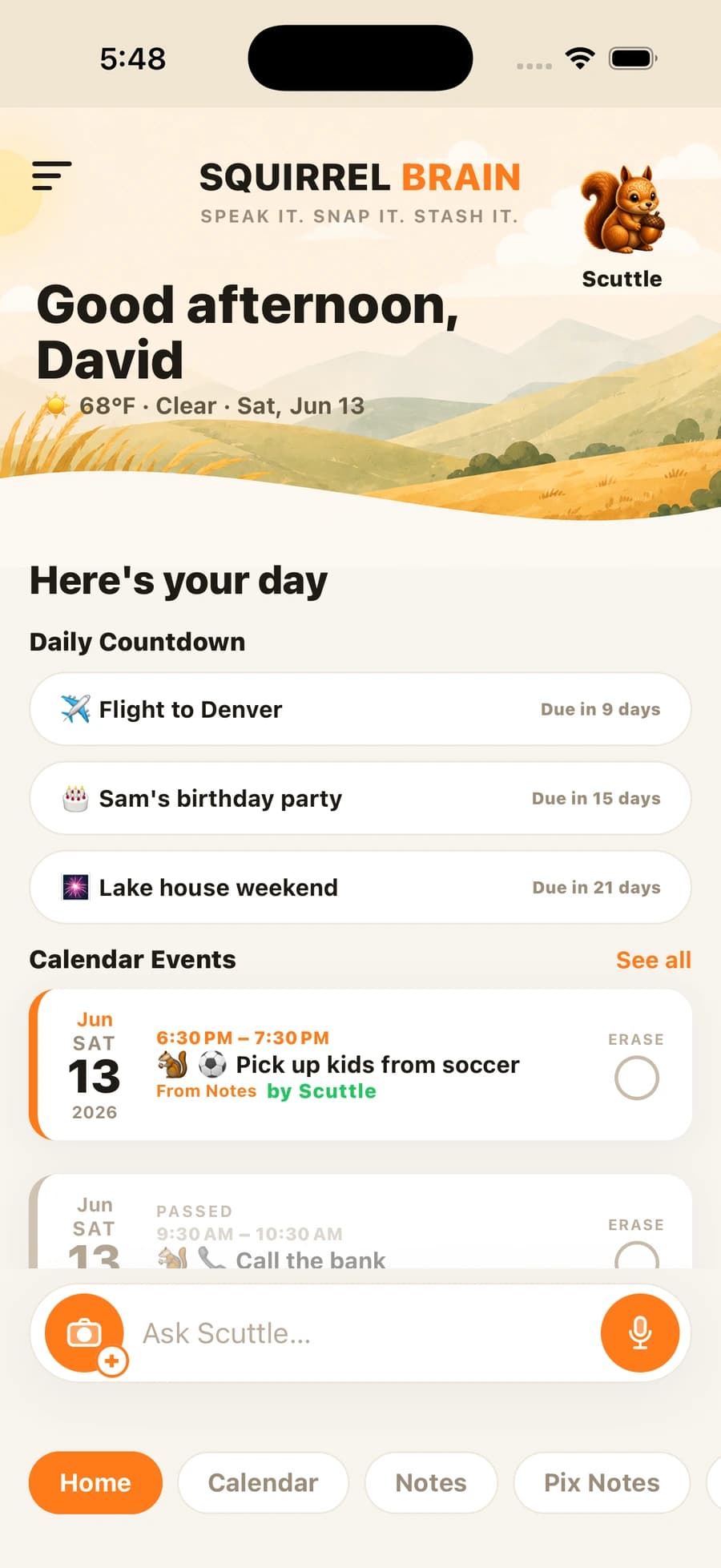
Outlook import
Tired of missing Outlook reminders?
Company policy locks you out of your calendar app. So you miss the Outlook event because the reminder fired when your phone was face-down. There’s an easier way.
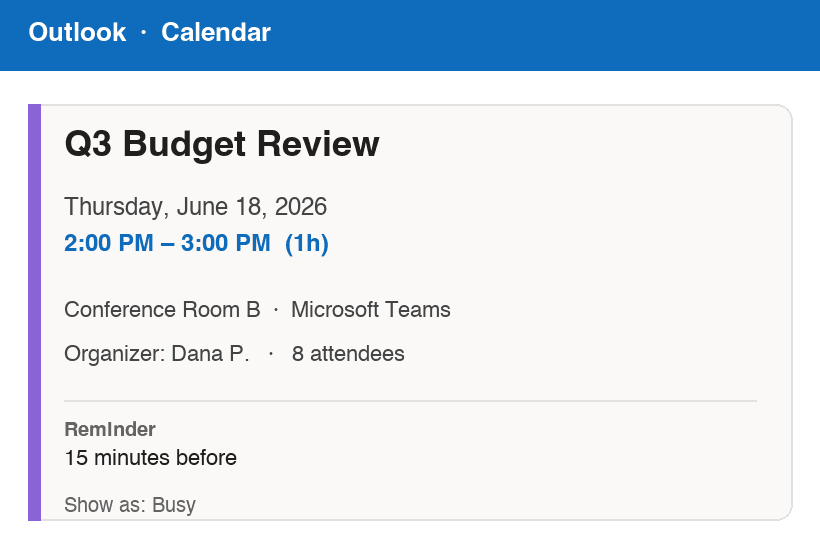
1. Screenshot your Outlook event
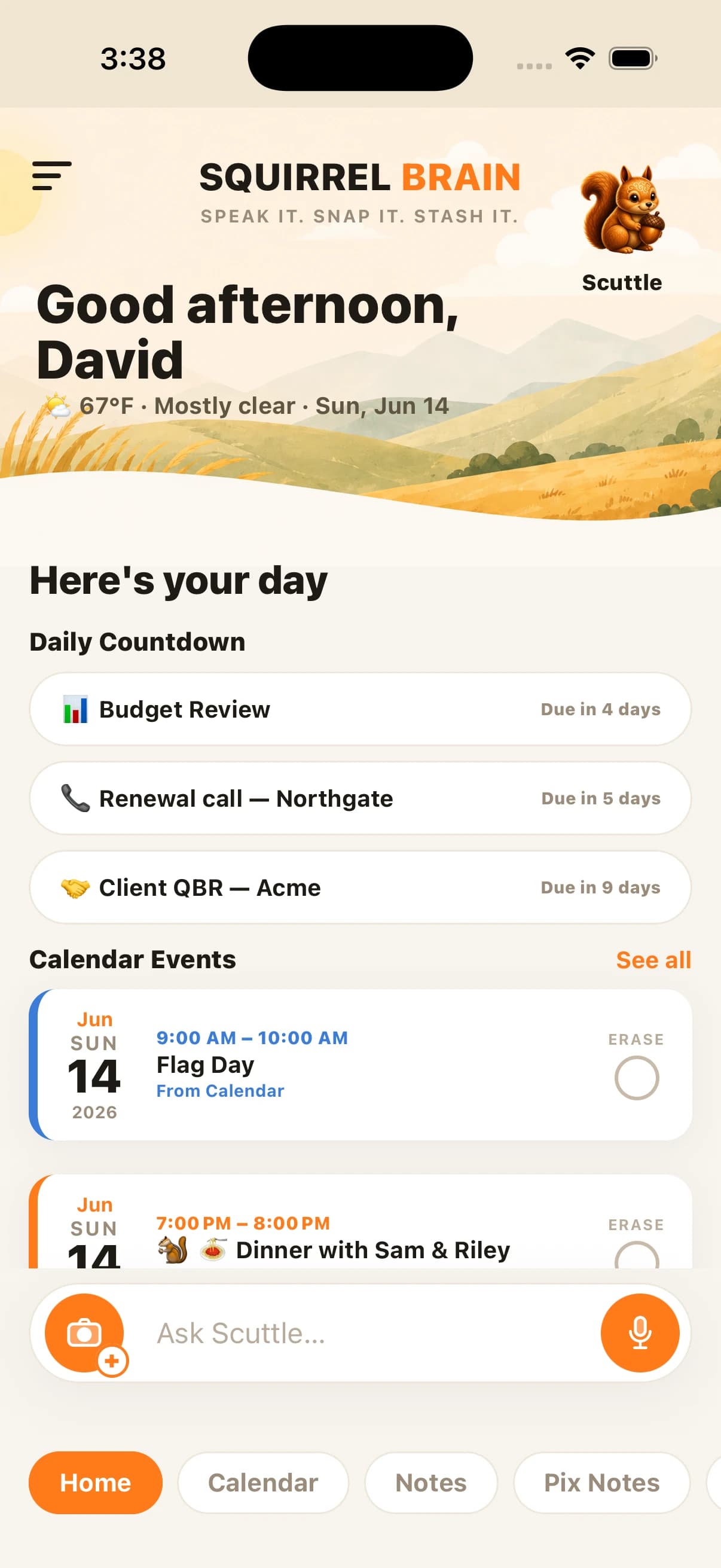
2. It lands in your squirrel — and the Daily Countdown starts ticking
The best part
It joins your Daily Countdown — a live timer to your next thing, right on the home screen.
Reminders, the countdown, and a real phone call before it if it matters. Never miss an Outlook event again.
Meeting Mode
Record the whole meeting. Keep what matters.
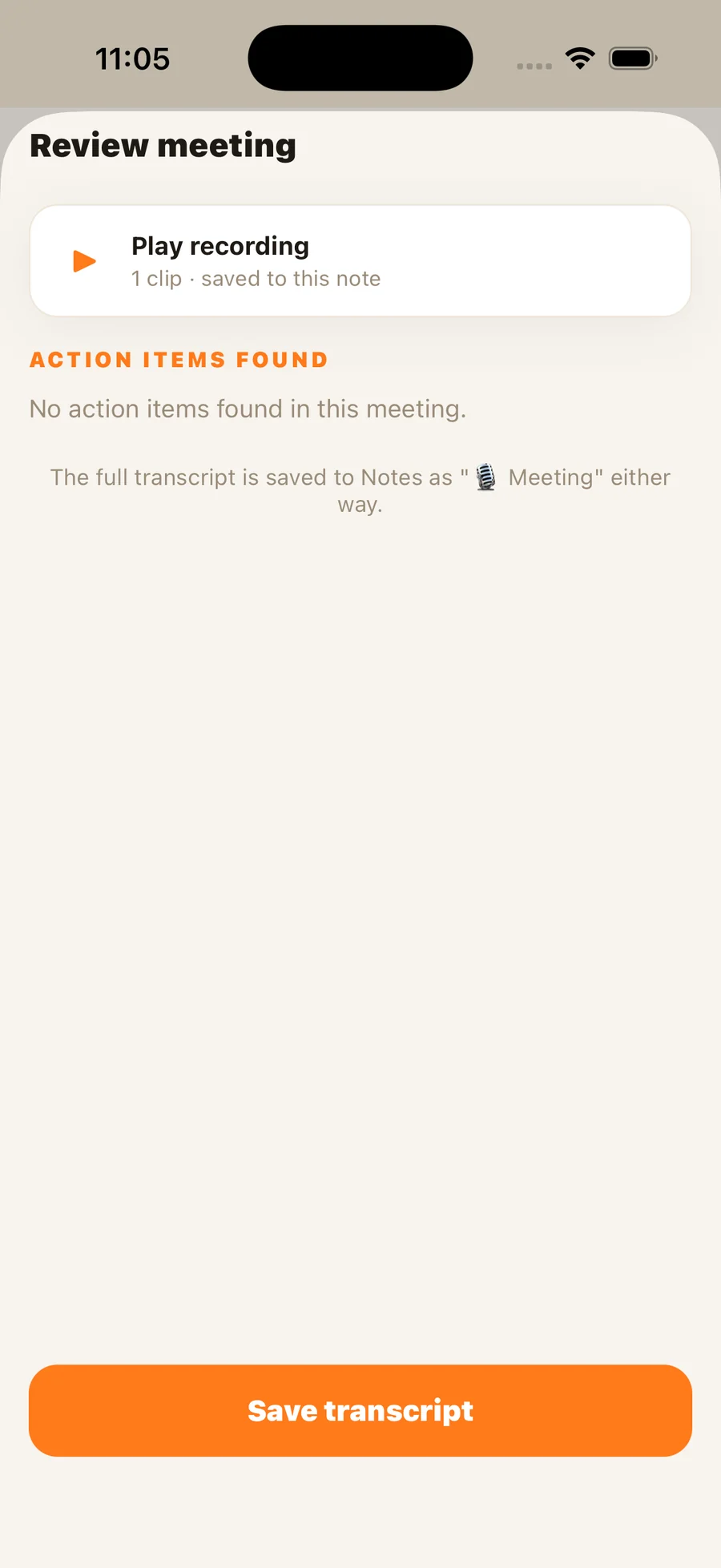
Under Notes, tap Meeting and just let it run. Your squirrel records the whole conversation in short chunks — so nothing rides on one long file — then transcribes it and pulls out what’s important: the action items, the follow-ups, the deadlines, as best as the AI can. Turn any of them into a reminder with one tap.
Interviewing someone? Have everyone introduce themselves at the start, then go back later and hear exactly what each person said — word for word. A lifesaver after a long day of panel interviews, when every candidate starts to blur together.
Everything you need between stops
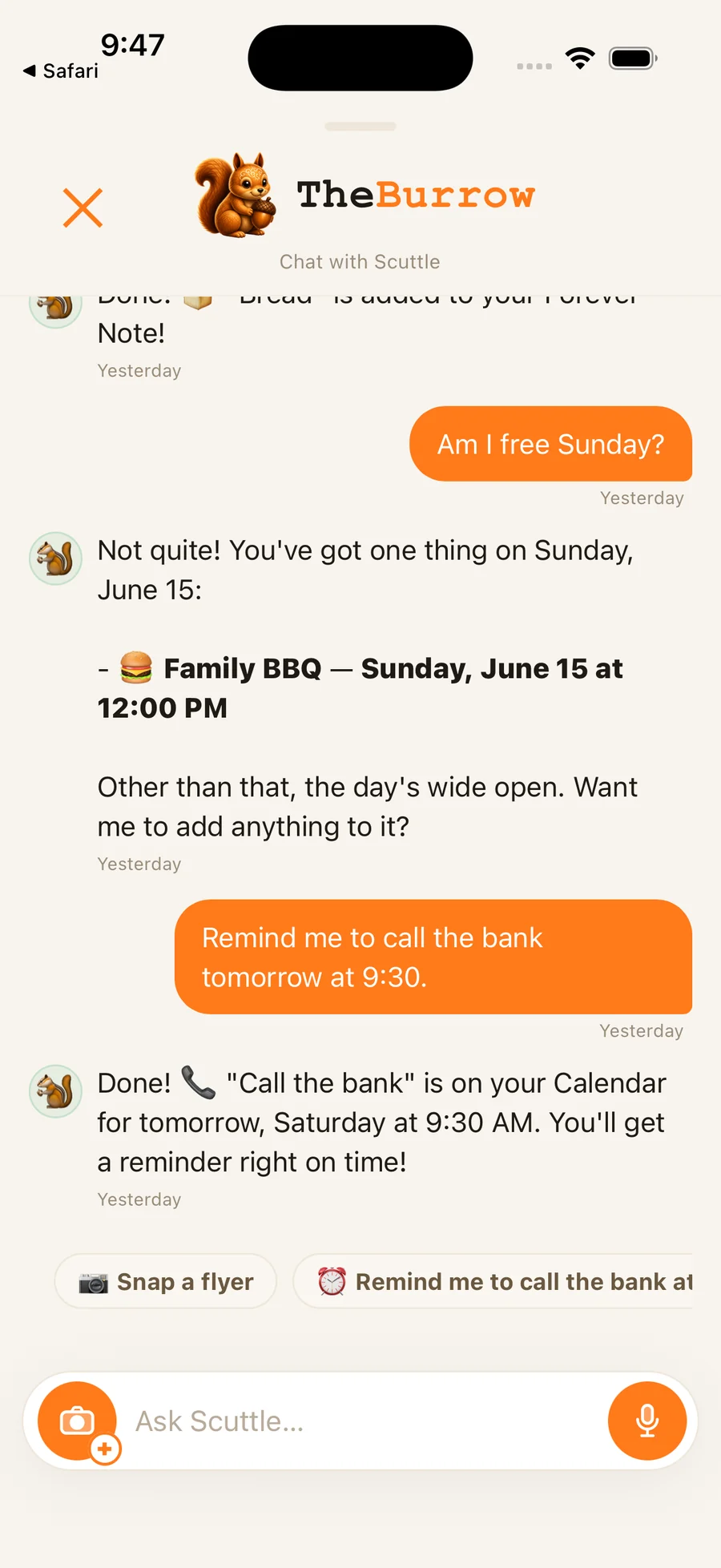
Voice capture — say it, it's saved
Walk out of a meeting and talk through what just happened. Your squirrel extracts the follow-ups, the promised callbacks, and the dates — ask it later in plain language and it answers back.
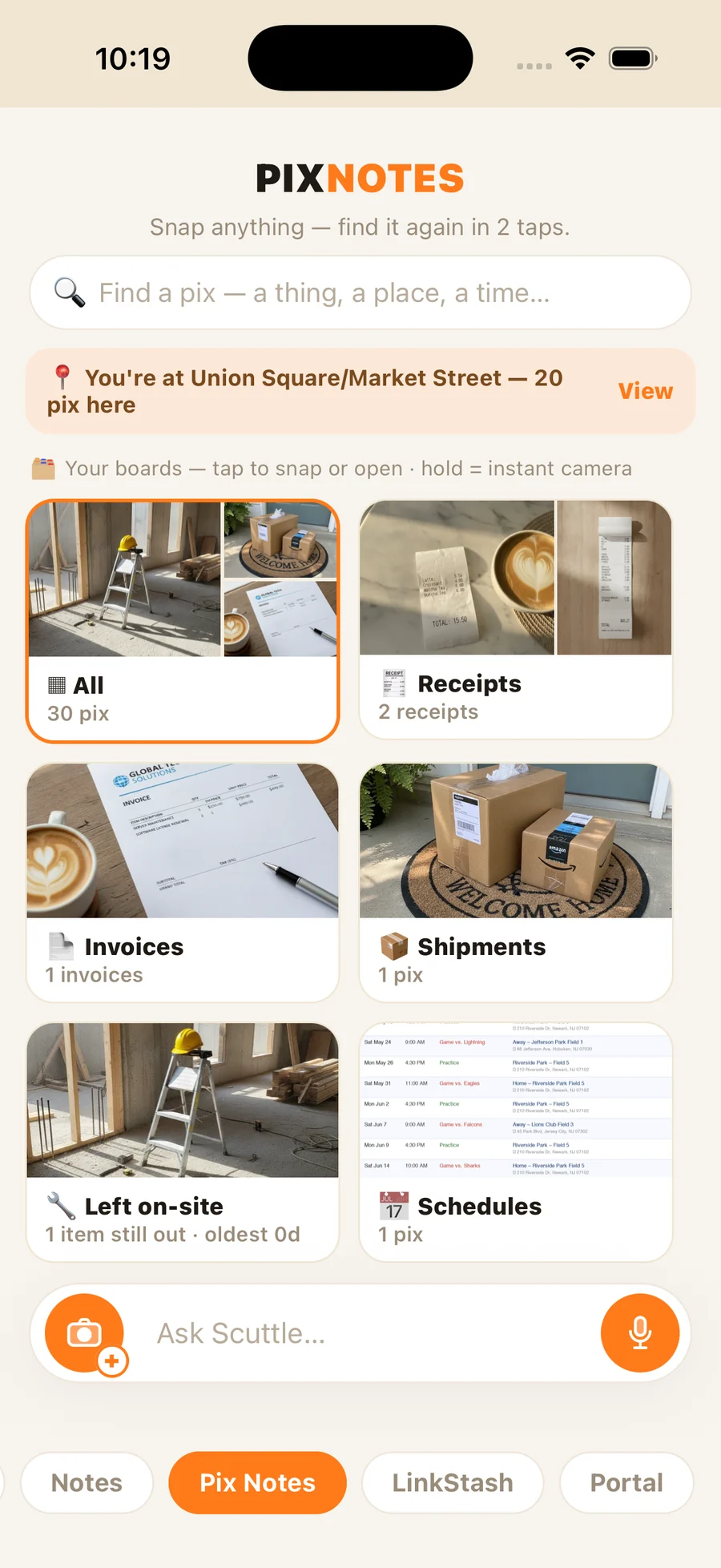
GPS-stamped photo proof
Snap what you left on-site. Your squirrel reads the photo, logs the job details, and stores a timestamped record with GPS. Proof of delivery, service, or install — in the Burrow instantly.
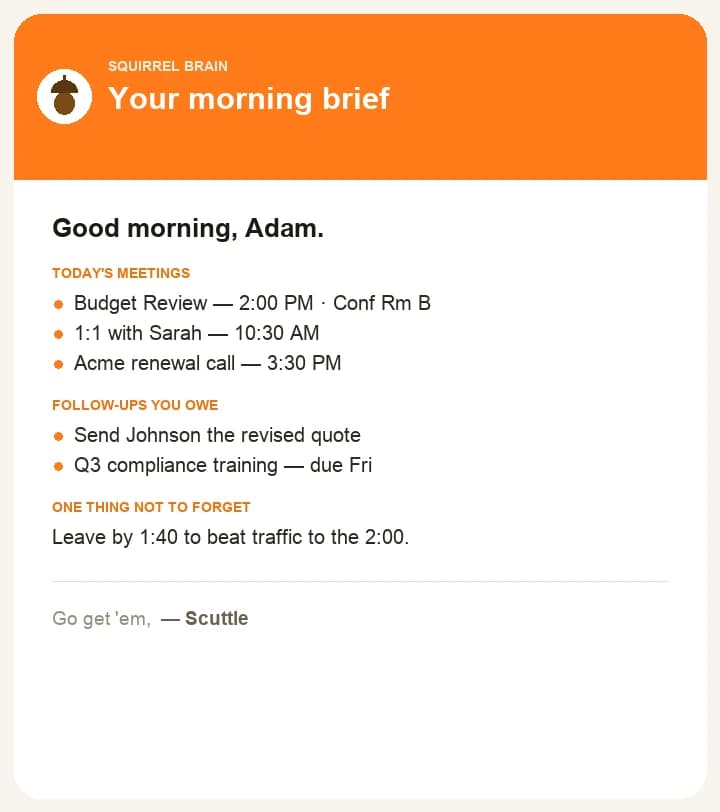
Good-morning email
Every workday opens with a short email: today's meetings, the follow-ups you owe, and anything you captured that's still open. Your whole plate, before your first coffee — no app to open.
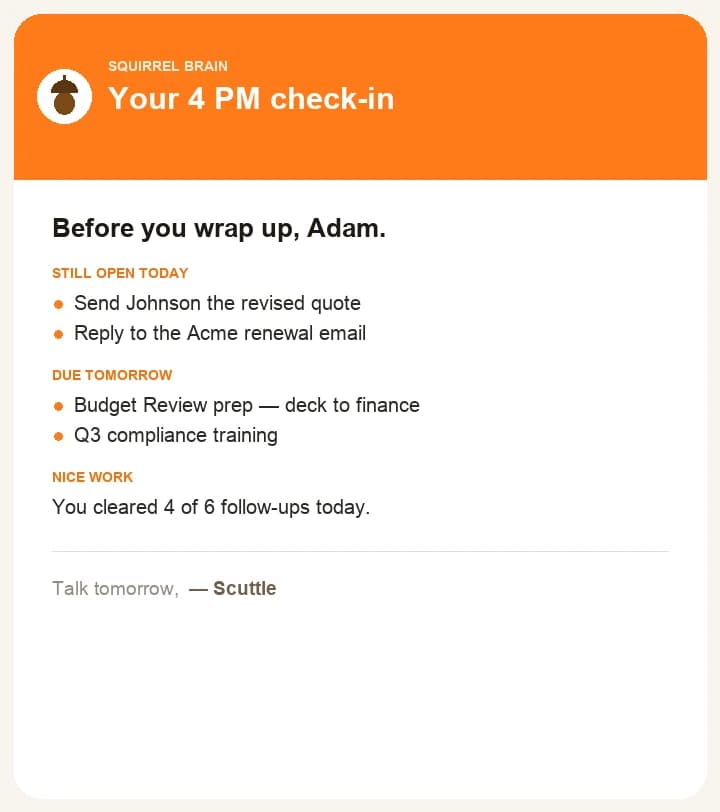
4 PM nudge email
At 4 PM — right when you think you're done — an email recaps what's still open and what's due tomorrow, so nothing slips between end of day and the drive home.
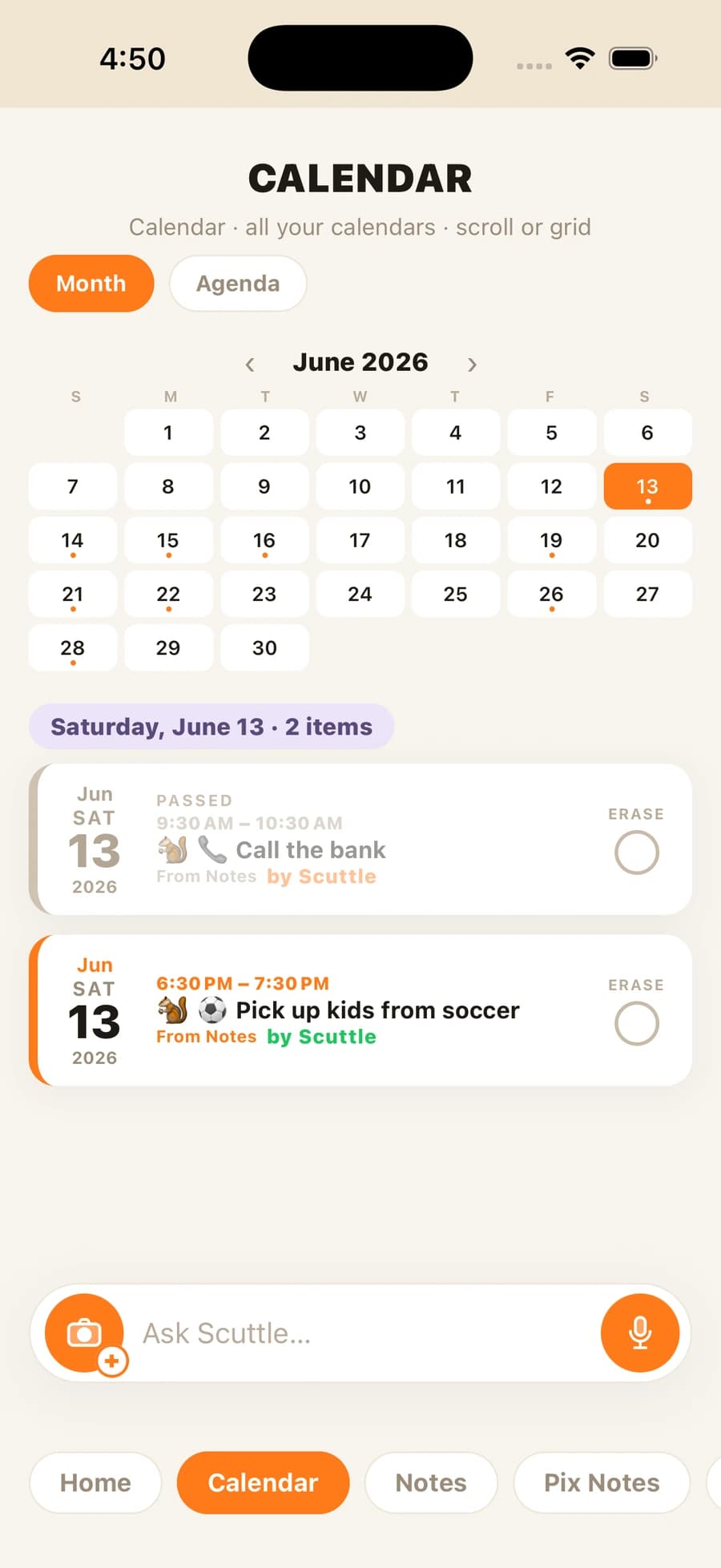
Follow-ups that ring your phone
When a follow-up actually matters, your squirrel rings your phone — and you pick up and talk it through, out loud, in a real back-and-forth. Not a push notification. A real call: it rings when your ringer's on, vibrates on silent like any call, and reaches you on a locked screen.
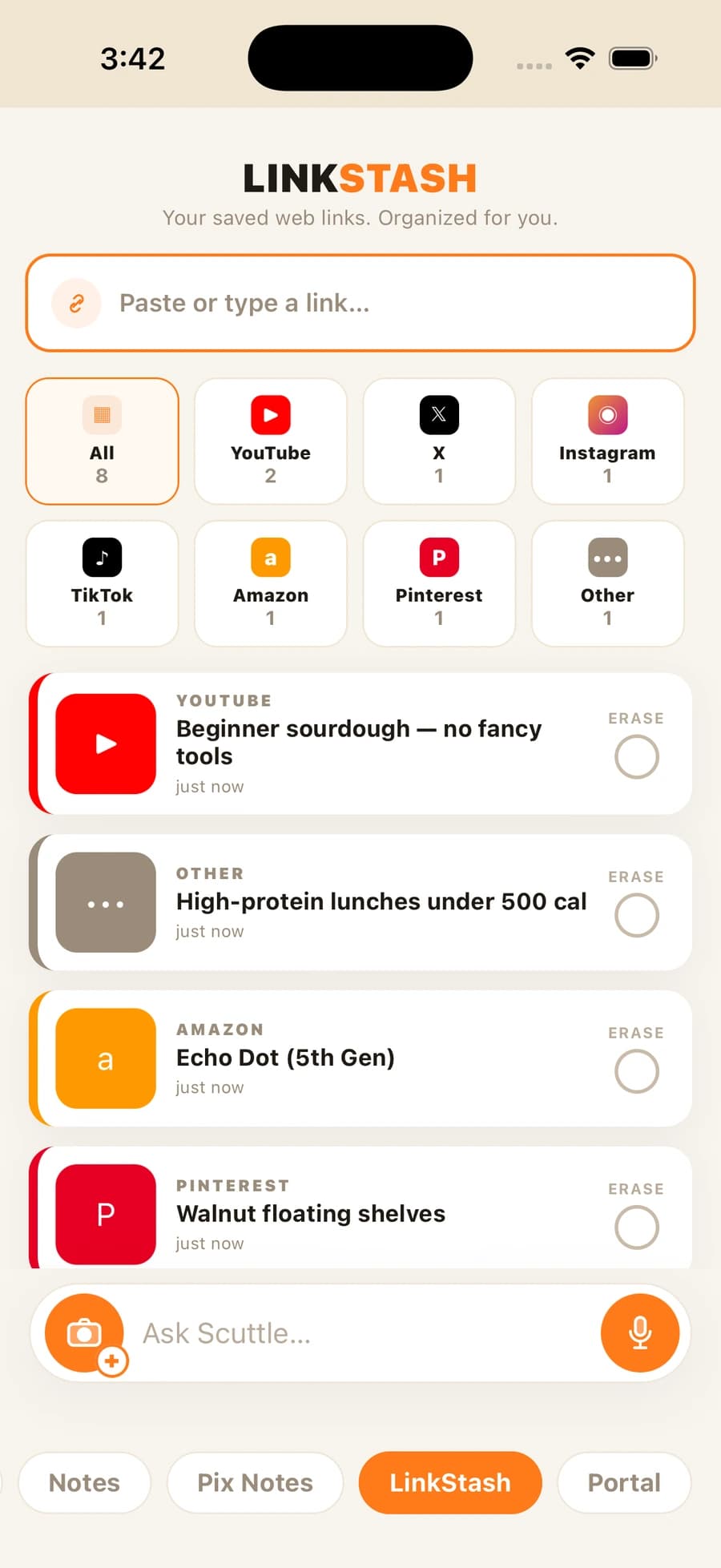
LinkStash — save what you find
Drop any link from Safari, YouTube, or anywhere else. It lands in your stash, organized by source. Three months later, just ask — your squirrel finds it by plain language.
Optional power-up
Use AI tools? They can plug in.
Squirrel Brain has an optional MCP portal: coding agents like Claude Code — or agents you run yourself — can set alarms, read your tasks, and send voice messages straight to your phone. Don’t use AI? Everything here works without it.
See the MCP portalYour next meeting is in 20 minutes. Capture this one first.
Join the launch list — we’ll tell you the moment it’s ready.
Join the launch list