AI agent calendar
How do I give my AI assistant access to my calendar with an API key?
Create a personal Squirrel Brain key at signup, then add the server to an MCP client that can send a custom header. The assistant can then read and update your calendar on its own, and you can revoke the key at any time.
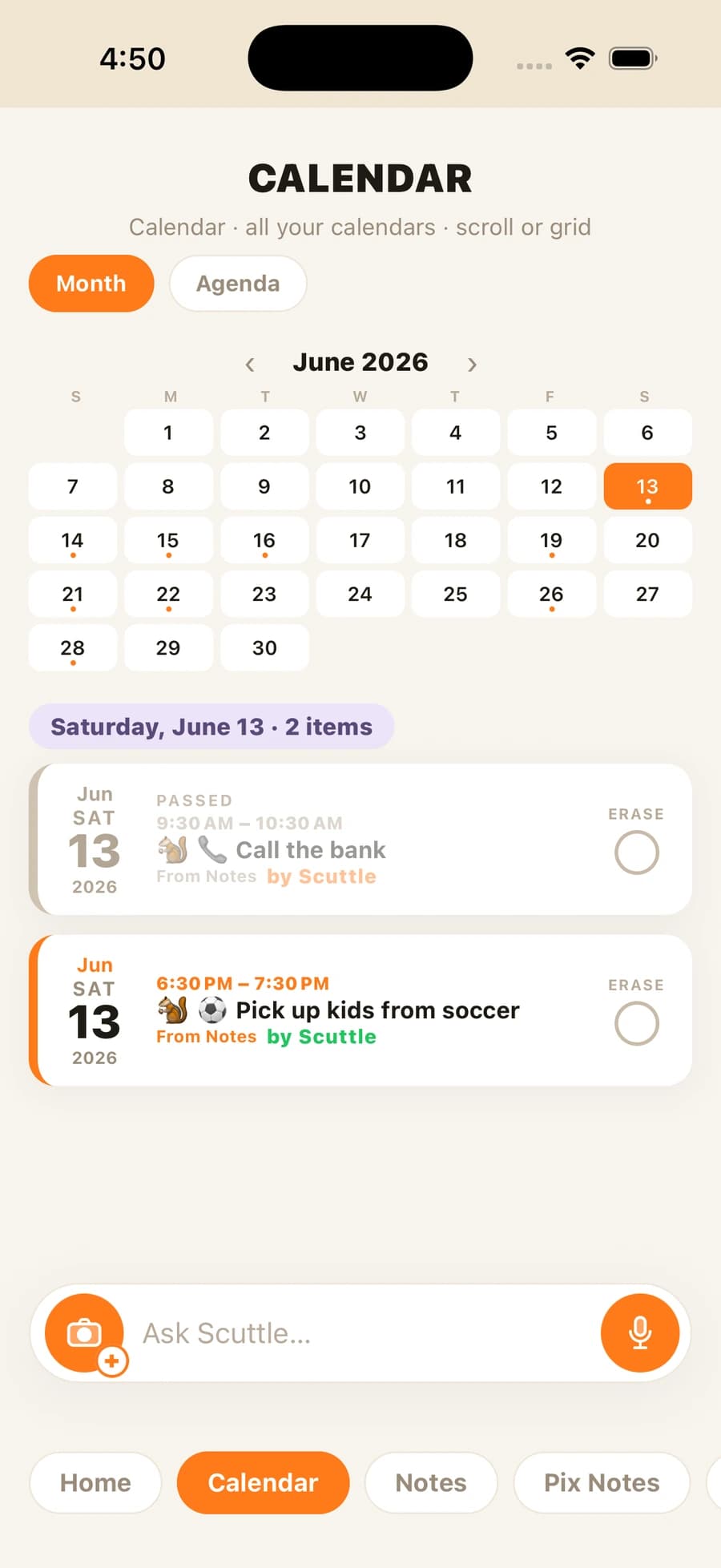
Three steps. Open signup and copy the key. Add Squirrel Brain in your MCP client and send the key as the X-API-Key header. Ask the agent to read today’s agenda or add an event. Each change is labeled with the agent that made it. Server changes are saved right away and reach the phone (and its Calendar) after the app syncs, as an alarm, a reminder, or a phone call.
Coming soon to iPhone, and free to use at launch. The AI agent calendar page lists what the agent can do. The MCP page and the developer docs cover the connection.
Questions
Where do I get the key?
At signup, right away, or later in the iOS app. The key starts with sb_. Coming soon to iPhone.
What if I want to stop access?
Revoke the key. The old key stops working, and you can make a new one.
Which assistants can connect?
Any MCP client that can send a custom header. Claude Code, Claude Desktop, and Cursor are examples.
Can I use ChatGPT?
ChatGPT on Business, Enterprise, and Edu plans can add a custom MCP server. This page does not claim ChatGPT can send the X-API-Key header.